
Person holding a cracked phone while recovering photos from a broken phone
Don’t Panic. Your Photos Are Probably Safer Than You Think.
A cracked screen, a black display, or a dead charging port can make your whole photo library feel lost. In most cases, though, the photos still exist, and recovering photos from a broken phone is often possible. The right method depends on what still works on your phone. So, follow the steps below in order, from the easiest option to the most involved.
Phone Expert Phone Repair & Designs sees this situation every week. Often, the fix is a quick repair that gets the phone usable again, so the photos can come off safely.
Quick Answer: Is Recovering Photos from a Broken Phone Possible?
Yes, in many cases. First, check your cloud backups, since your photos may already be safe there. Next, see if the phone still powers on. If it does, a cable, a mouse, or a screen replacement can usually give you access. If the phone is completely dead, recovery gets harder, and we will tell you that honestly.
Step 1: Check Your Cloud Backups First
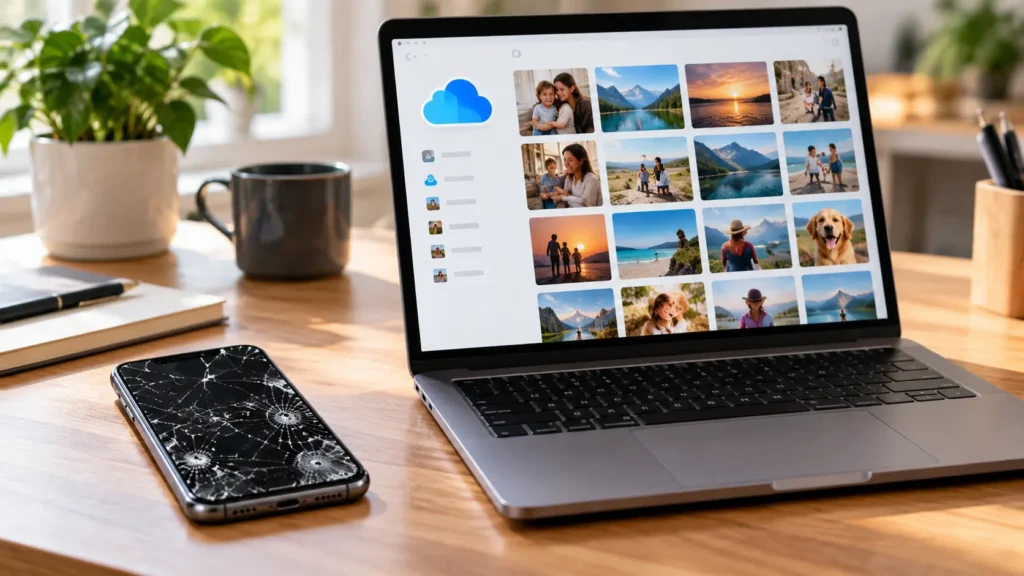
Before touching the broken phone, look at your accounts on another device. iPhone owners should check iCloud Photos. Android owners should check Google Photos, and Samsung owners should also check Samsung Cloud. Log in on a computer or a friend’s phone, then browse your library.
Many people find most of their photos already there. As a result, the broken phone becomes a lower-stakes problem. If the library looks complete, you can restore it to a new or repaired phone later. If recent photos are missing, move on to the next steps.
Laptop showing a cloud photo library while recovering photos from a broken phone
Cracked Screen With Dead Touch: Use an OTG Mouse
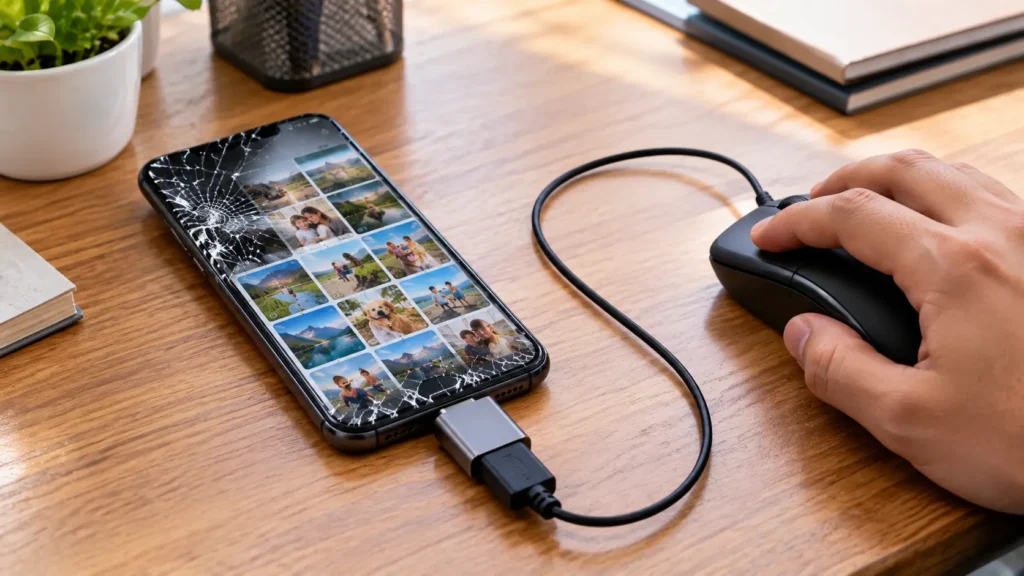
Sometimes the screen lights up, but touch stops working. On many Android phones, a USB OTG adapter and a wired mouse solve this. Plug the adapter into the charging port, then plug the mouse into the adapter. A cursor should appear, and you can enter your own PIN or pattern to unlock the phone.
From there, copy your photos to a USB drive, upload them to the cloud, or connect the phone to a computer. Keep in mind that a phone with one port can’t charge while the mouse occupies it. Plan the transfer before you unplug anything.
On iPhones, accessories work differently. A keyboard connected through an adapter may let you use VoiceOver to unlock the phone, but results vary by model.
USB OTG adapter and mouse connected to a cracked phone for recovering photos from a broken phone
Black Screen but the Phone Still Powers On
If you hear sounds or feel vibrations, the phone is alive, and the display is the likely problem. Some Android phones support video output through a USB-C hub, which lets you view the screen on a monitor and control it with a mouse. However, this only works on supported models, and an on-screen prompt can block it.
When that route fails, the most realistic option is usually a screen replacement. Once the display works again, you can unlock the phone normally and copy everything off. That is exactly why a repair often comes before the recovery itself.
Recovering Photos from a Broken Phone: iPhone Tips
iPhones don’t have a memory card slot, so the options are different. If the screen is cracked but touch still works, a cable connection to a trusted computer usually works fine. Finder on a Mac, or the Photos app on a PC, can import your pictures once you unlock the phone and tap Trust.
If touch is dead, a screen replacement often restores both touch and the Trust prompt. Then you can back up in minutes. Meanwhile, avoid resetting the phone, because a reset erases the very photos you want to save.
Recovering Photos from a Broken Phone: Android Tips
Android phones offer one real advantage: many models use a microSD card for photo storage. Power the phone off, remove the card, and read it on a computer with a card reader. A broken screen rarely harms the card, because the card never touches the display.
Without a card, use Google Photos, Samsung Smart Switch, or a USB transfer after unlocking the phone. Also remember that your own PIN or pattern matters. Ordinary tools can’t bypass a screen lock or encryption, and anyone who promises otherwise deserves caution.
When the Phone Won’t Turn On or Has Water Damage
A phone that shows no signs of life is the hardest case. Two common causes are a dead battery or charging port and liquid damage. Charge it with a known-good cable for at least 30 minutes first. If it still won’t respond, stop trying, since repeated attempts can add risk.
Water damage needs fast attention, because corrosion spreads. Our charging port cleaning guide helps rule out a simple port problem. If the cause is deeper, a professional diagnostic is the next step. Even then, results vary, and a severely damaged board may need a specialized lab.
Why Choose Phone Expert for Recovering Photos from a Broken Phone
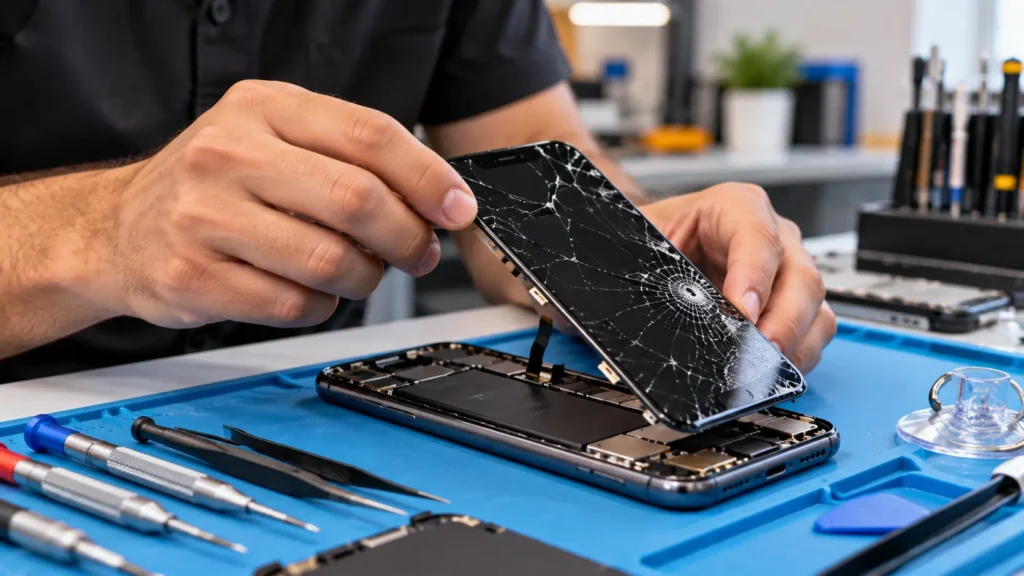
We focus on the repairs that bring your phone back to life, so your photos can come off safely. A cracked or dead display, a failing charging port, and water damage are all problems we fix. Our technicians diagnose the real cause first, then explain your options in plain language.
We are also honest about limits. We can’t bypass a lock screen, and we can’t promise a recovery when the storage itself has failed. If your phone needs a specialist lab, we will tell you before you spend anything with us. Otherwise, once the phone works again, we show you how to back up your photos so this never happens twice.
Technician replacing a cracked screen to help with recovering photos from a broken phone
What Happens When You Bring Your Phone In
- Quick triage. We check whether the phone powers on, charges, and responds to a connection.
- Clear diagnosis. We identify the failed part, such as the display, port, or a liquid-damaged component.
- Honest options. You hear the repair route, the likely outcome, and any limits before work starts.
- Repair. Our technician fixes the damaged part so the phone is usable again.
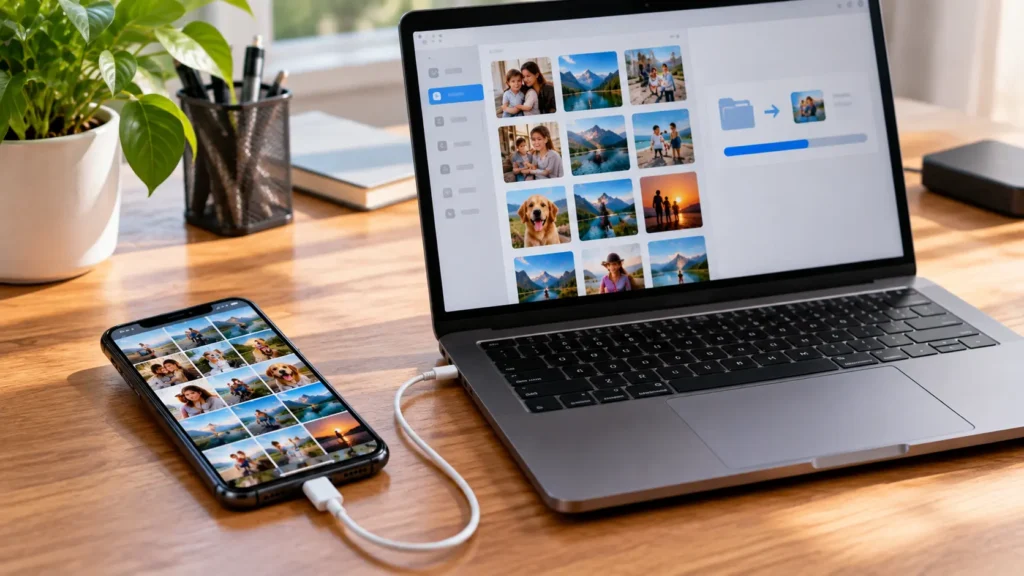
- Backup help. You unlock the phone, and we walk you through copying your photos to the cloud or a computer.
For the full list of fixes available, see our repair services page.
Phone connected to a computer after recovering photos from a broken phone
Common Mistakes to Avoid
- Factory resetting the phone. A reset wipes the photos you are trying to save.
- Guessing your PIN repeatedly. Too many wrong attempts can lock or erase the phone.
- Charging a wet phone. Current plus moisture can cause a short circuit.
- Trusting “unlock” tools that promise miracles. Encryption protects your data, and no ordinary tool defeats it.
- Waiting months. Batteries swell and corrosion spreads, so earlier action helps.
Expert Tip
Expert Tip: Don’t unplug your OTG mouse until you have a transfer plan. According to this guide to recovering Android data with a broken screen, lock screens and encryption can’t be bypassed, so know your PIN and start with cloud backups. Then decide whether a screen repair makes sense.
Frequently Asked Questions
Recovering Photos from a Broken Phone: Common Questions
Often, yes. Cloud backups, an OTG mouse, a memory card, or a screen repair can each give you access, depending on what still works.
If the phone powers on, a screen replacement is usually the most reliable route. Some Android models also support video output through a hub.
No. A reset erases your photos. Copy them first, then troubleshoot.
Not from the phone itself, since encryption protects your data. Your cloud account may still hold backups.
Recovering Photos from a Broken Phone: Repair and Cost Questions
Yes, indirectly. We repair the damaged part so the phone works again, then help you back up. We can’t bypass a lock screen.
Cost depends on your phone and the damaged part. Contact Phone Expert for a quote after a diagnostic check.
It depends on the repair. Many screen and port repairs are quick, and we give you a realistic timeline after diagnosis.
We diagnose the cause first. If the board or storage has failed, we will say so and point you toward a specialist option.
Conclusion: Start Recovering Photos from a Broken Phone Today
A broken phone doesn’t always mean lost photos. Check your cloud first, then match the method to what still works. Recovering photos from a broken phone usually comes down to getting the phone usable again, and that is where a quick repair makes the difference.
If your phone is cracked, black, or won’t charge, Phone Expert Phone Repair & Designs can diagnose it and tell you honestly what is possible. Contact us or stop by for a diagnostic check today.