
Your iPhone Just Got Wet. Here Is What Matters Right Now.
Your iPhone just hit the sink, the pool, or the toilet. What you do in the next few minutes matters more than almost anything a technician can do later. iPhone water damage repair works best when it starts fast, because corrosion begins within hours. However, a few wrong moves can turn a fixable phone into a much bigger problem.
Power the phone off right away. Then dry the outside with a soft cloth and keep it away from chargers. Finally, bring it to Phone Expert Phone Repair & Designs as soon as you can. The sections below explain why each step matters.
Quick Answer: Can iPhone Water Damage Repair Save a Wet Phone?
In most cases, yes. Acting within the first hour or two gives the best odds, since moisture hasn’t had time to corrode the logic board. Waiting, charging the phone, or using heat all raise the risk. As a result, a simple cleaning can turn into a board-level repair. Even so, no shop can promise a save every time, and we will tell you plainly if the damage is too severe.
What to Do in the First Hour
First, power the phone off. Next, wipe the outside with a soft, dry cloth. Then tap the phone gently with the charging port facing down to shake out loose liquid. After that, set it in a dry spot with some airflow. Silica gel packets nearby can help absorb moisture, unlike rice, which does very little.
Meanwhile, resist the urge to turn it on and “check.” Every power-on sends current through damp circuits. Also, hold off on wired charging. Apple warns that charging while the connector is wet can corrode the pins and cause permanent damage. Therefore, wait, and bring the phone in for an inspection instead.
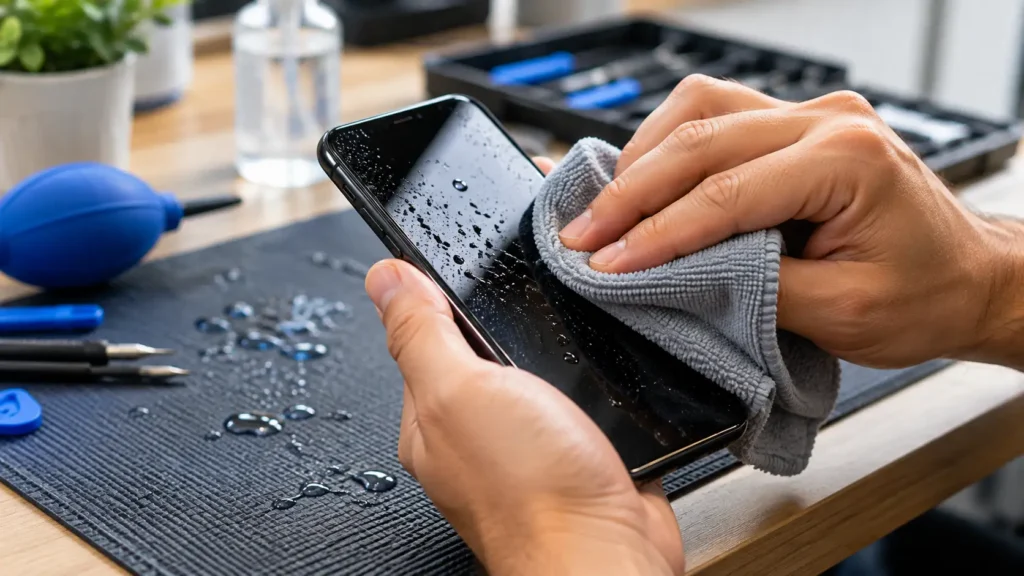
What NOT to Do With a Wet iPhone
- Skip the rice. It doesn’t pull moisture out well, and dust can end up in the ports.
- Avoid heat. A hair dryer or direct sun can warp parts and push moisture deeper.
- Leave compressed air alone. It can drive liquid further into the connector.
- Keep swabs and paper towels out of the port. They leave fibers behind and can bend the pins.
- Resist the emergency override. Apple offers one, but charging a wet port risks corrosion.
Apple’s own guidance agrees with these points, and you can read it on Apple’s liquid-detection support page. In short, patience protects your phone better than any home remedy.
What “Liquid Detected” Really Means
Your iPhone may show a “Liquid Detected” alert when you plug in a cable. This message means the phone senses moisture in the Lightning or USB-C connector, or on the cable itself. In response, it blocks charging to protect the pins. Apple advises tapping the phone gently with the connector facing down, then waiting at least 30 minutes before trying again. If the alert persists, give it more time, since heavy exposure can take up to a day to clear.
However, the alert doesn’t always mean a wet port. Lint, residue, or a faulty cable can trigger it too. For that reason, try a different cable first. Our charging port cleaning guide shows how to check for lint safely. Still, if the alert keeps returning on a dry, clean port, the phone needs a professional look.
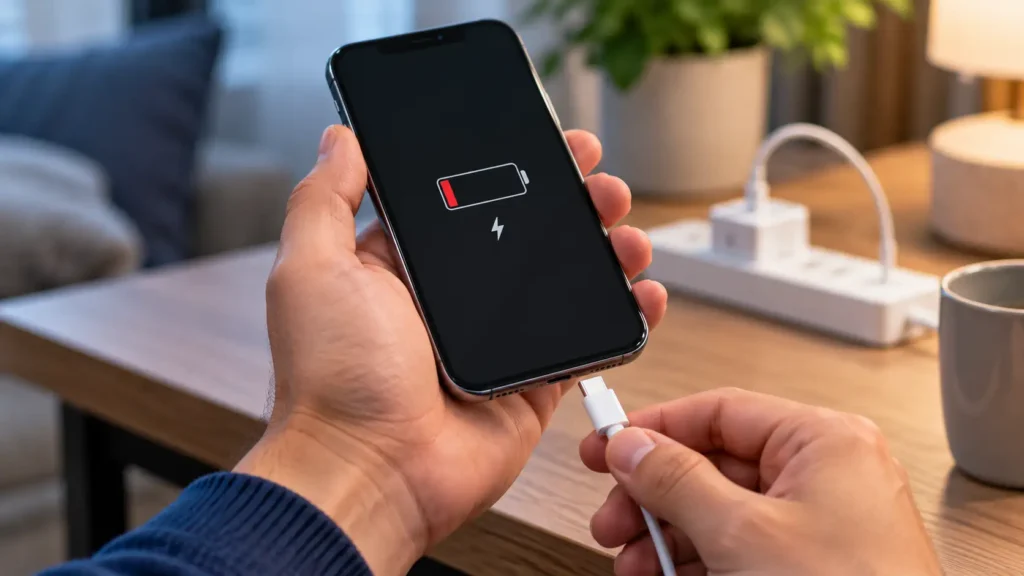
Why Water Resistance Ratings Don’t Prevent Damage
Modern iPhones carry water-resistance ratings, so many owners assume a dunk is harmless. Unfortunately, those ratings come from lab tests in still, fresh water. Pool water, salt water, soap, and hot water behave differently, and they can speed up corrosion. Also, seals wear down with age, drops, and previous repairs. Because of this, a rating that held up on day one may not hold up today.
Apple’s standard warranty doesn’t cover liquid damage, so the stakes are real. AppleCare+ with accidental damage coverage may help for a service fee, so check your plan. Otherwise, a local repair is often the fastest route back to a working phone.
Signs You Need Professional iPhone Water Damage Repair
- The phone won’t turn on. A dead phone after a dunk usually means moisture reached the board.
- Charging fails or the alert keeps returning. A “Liquid Detected” message that survives drying points deeper.
- Speakers sound muffled or the microphone cuts out. Trapped moisture often hides there first.
- Camera photos look foggy. Moisture inside the lens assembly needs professional cleaning.
- The screen flickers, shows spots, or touch acts oddly. Liquid can seep behind the display.
- Symptoms appear days later. Corrosion develops slowly, so a phone that seems fine can still fail.
Why Choose Phone Expert for iPhone Water Damage Repair
Real water damage repair isn’t about drying a phone. It’s about cleaning, corrosion removal, and component-level work. Our technicians open the phone and inspect the logic board under magnification. Then we clean away corrosion before it spreads. Where it fits, we use ultrasonic cleaning on affected parts. Finally, we test charging, cameras, speakers, and buttons before we call the repair complete.
We also give you an honest assessment. If corrosion has damaged the phone too badly to repair economically, we will say so plainly. You won’t pay for a repair that can’t hold up.
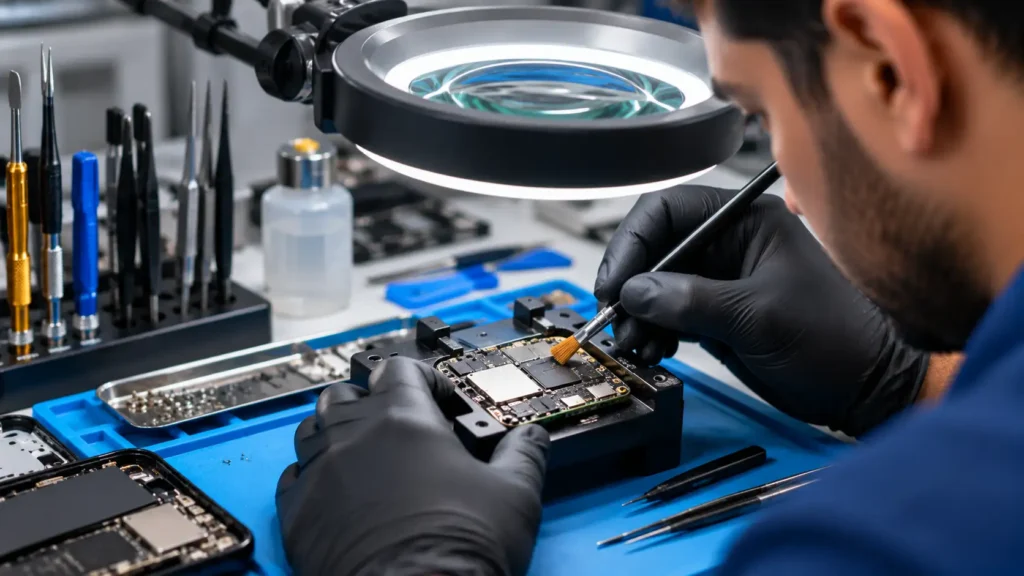
What Happens During iPhone Water Damage Repair
- Diagnostic check. We inspect the phone, the ports, and the visible indicators to judge the real extent of the damage.
- Full disassembly. Removing affected parts stops liquid from spreading, since moisture hides under flex cables.
- Corrosion cleaning. Careful cleaning clears corrosion from the logic board and other parts, with ultrasonic cleaning where it is the right tool.
- Repair or replacement. Parts too damaged to recover need replacing, and we restore the ones we can save.
- Reassembly and testing. We rebuild the phone and test every function before returning it.
Turnaround depends on how much of the phone was affected, but we move quickly because time matters. If your screen also took damage, see our full list of repair services and ask about handling both in one visit.
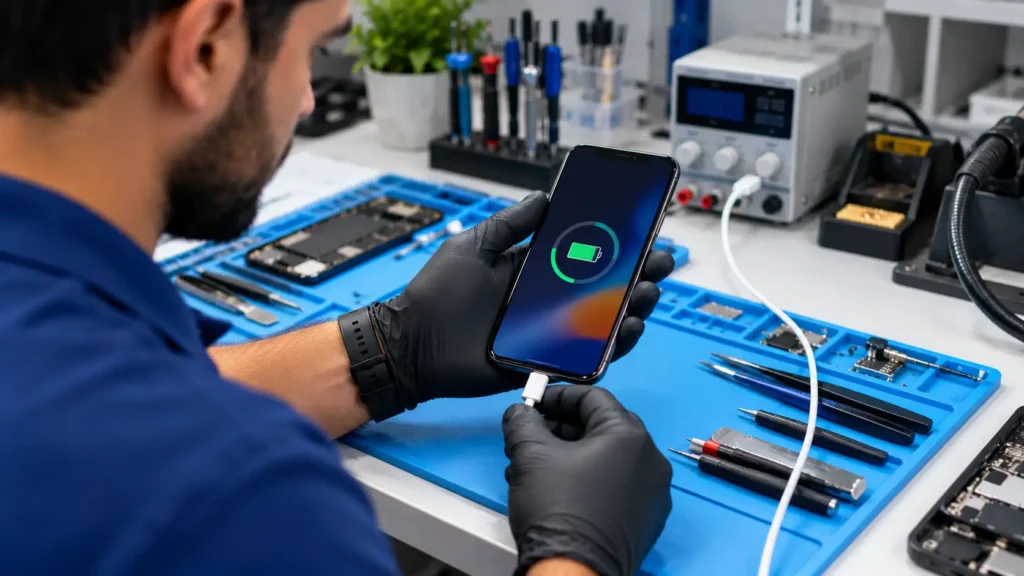
Common Mistakes to Avoid
- Powering the phone back on to check it. This is one of the most common ways a recoverable phone becomes unrecoverable.
- Trusting a rating over reality. Ratings reduce risk in a lab, but they don’t remove it in a pool.
- Waiting days for a look. Corrosion spreads over time, so delay usually raises the cost.
- Trying a home fix with rice or heat. Both can do more harm than good.
- Assuming a dry-looking phone is fine. Moisture can sit under the board long after the outside feels dry.
Expert Tip
Expert Tip: If a “Liquid Detected” alert appears after the phone looks dry, don’t force a charge. Try a different cable, restart the phone, and give it extra drying time first. A repeated alert after all that is a strong sign it’s time for a professional inspection.
iPhone Water Damage Repair: First-Aid Questions
Power it off, dry the outside, and keep it away from chargers. Then bring it in for inspection as soon as you can.
No. Rice doesn’t draw moisture out well, and it can leave dust in the ports. Apple advises against it.
It means the phone senses moisture in the connector or on the cable. It blocks charging until things dry, which protects the pins.
Many functions still work, but wired charging stays blocked. Avoid the emergency override unless you truly have no other option.
Corrosion develops slowly. As a result, symptoms can show up long after the original exposure.
iPhone Water Damage Repair: Cost and Timing Questions
Apple’s standard warranty doesn’t cover liquid damage. AppleCare+ with accidental damage coverage may help for a fee, so check your plan.
Cost depends on how far the damage spread and which parts need work. Contact Phone Expert for a quote after a diagnostic inspection.
It depends on the extent of the damage. We move quickly and give you a realistic timeline after diagnosis.
No. Most can be, especially with fast action, but severe corrosion sometimes makes repair uneconomical. We tell you honestly before any work begins.
No. Charging a wet or recently wet phone raises the risk of a short circuit and further damage.
Conclusion: Start iPhone Water Damage Repair Fast
A wet iPhone is an emergency, and the first hour counts. Power it off, skip the rice and the heat, and get it to a professional quickly. iPhone water damage repair gives the best results when it starts early and when the technician treats corrosion removal seriously.
If your iPhone just got wet, don’t wait to see what happens. Phone Expert Phone Repair & Designs can assess the real damage and start right away. Contact us or stop by for a diagnostic check today.