
What’s Actually Wrong With Your Laptop Screen?
A damaged laptop screen doesn’t always mean the same thing. Some laptops show a spiderweb of cracks but still display an image underneath. Others go completely black even though the fan spins and the keyboard lights up. A correct diagnosis matters here, because laptop screen repair covers several different fixes not just one and choosing the right one saves you money and time.
Before you book a repair, take a moment to identify what you’re actually seeing. A cracked outer layer with a working image points to physical damage. A black or dim screen that shows a faint image under a flashlight usually points to a backlight problem, not the LCD itself. Flickering or color distortion that changes when you move the lid often means a loose display cable. Each of these leads to a different repair path.
Quick Answer: Can You Repair a Cracked Laptop Screen?
Yes. Technicians repair most laptop screen problems by replacing the display panel, reseating or replacing the video cable, or swapping out a failed backlight component. A cracked panel almost always needs full replacement, since manufacturers build the glass and LCD layer together on nearly every modern laptop. A black screen with a faint visible image, on the other hand, often needs only a backlight or cable fix a real cost and time difference worth confirming before you agree to a full panel swap.
Common Types of Laptop Screen Damage
Laptop screens fail in several distinct ways, and each one points toward a different repair.
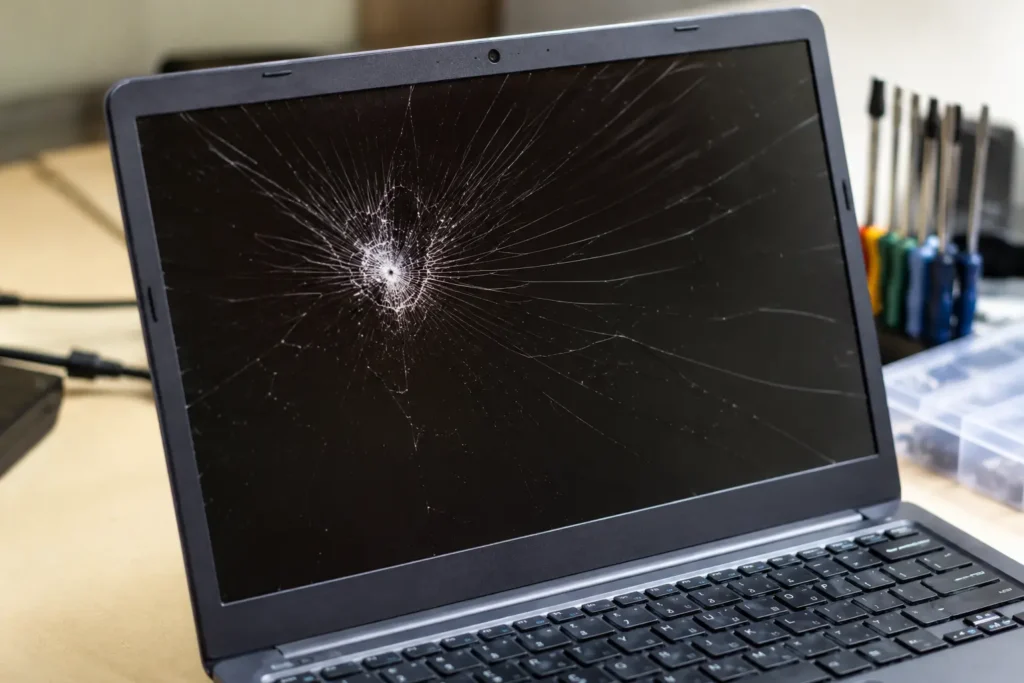
- Cracked or shattered glass: Visible cracks across the surface, usually from impact or pressure. The image typically still displays underneath, at least partially.
- Completely black screen: The laptop powers on (fan runs, keyboard lights up), but the display shows nothing. Shine a flashlight at an angle; if you see a faint image, the backlight has failed rather than the panel.
- Flickering or intermittent display: The screen flickers, especially when you open or close the lid. This usually points to a loose or damaged display cable rather than the panel itself.
- Lines, color distortion, or discoloration: Vertical or horizontal lines, strange colors, or patches of discoloration usually mean panel damage from pressure or impact.
- Dead pixels: Small dots that stay black, white, or a fixed color. A few isolated dead pixels are cosmetic; clusters typically call for a full panel replacement.
- Touchscreen not responding: On 2-in-1 or touch-enabled laptops, the touch layer can fail independently of the display underneath, requiring a different repair than a standard panel swap.
Panel Types: What You’re Actually Replacing
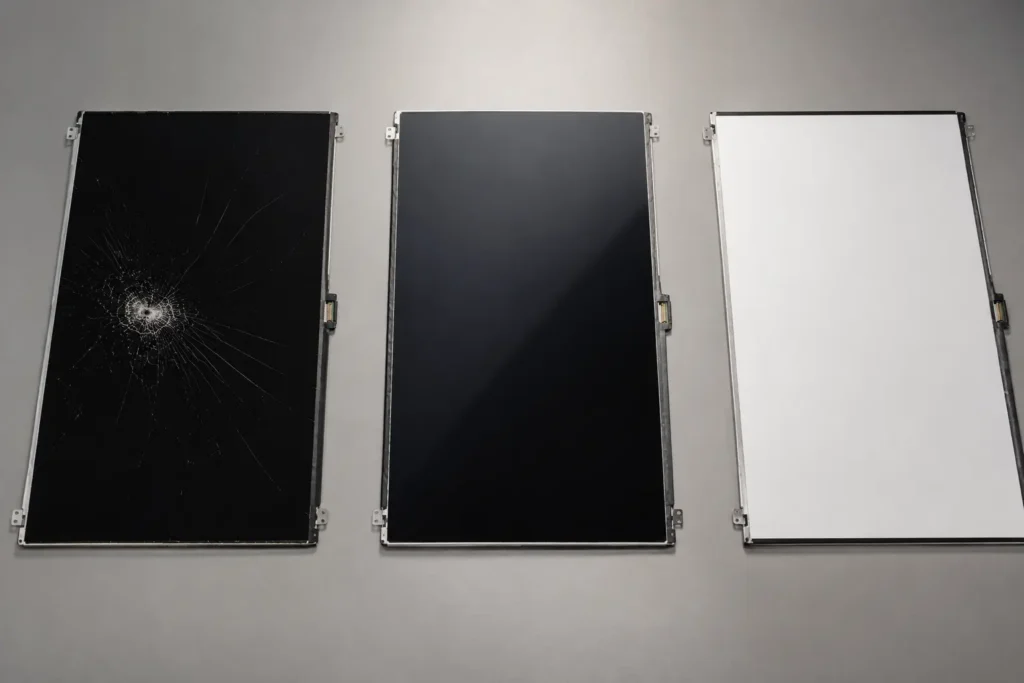
Laptop displays use a few different underlying technologies, and knowing which one you have helps you understand your repair options.
| Panel Type | Description | Common In |
|---|---|---|
| TN (Twisted Nematic) | The oldest, most basic LCD technology; fast response but weaker color accuracy | Budget and older laptops |
| IPS (In-Plane Switching) | Wide viewing angles and accurate color | Mid-range and premium laptops, creative workstations |
| OLED | Deep contrast and vivid color, no separate backlight needed | Premium and newer high-end laptops |
“LED” describes the backlight technology behind most LCD panels, not a separate panel type a distinction worth knowing, since it clears up a lot of confusion when you’re comparing quotes or parts online.
Repair vs. Replace: How to Decide
Weigh a few factors before you commit to either path:
- Is the damage limited to the screen? If the keyboard, trackpad, ports, and internals work fine, repairing the screen almost always costs less than replacing the whole laptop.
- How old is the laptop? A machine that still runs current software comfortably is usually worth repairing.
- Do you need it for work or school? A same-day or next-day screen repair often gets you back to work faster than researching, buying, and setting up a new laptop.
- Is it still under manufacturer warranty? Many manufacturers cover screen defects for one to three years, though accidental damage is typically excluded check your specific coverage before paying out of pocket.
In most cases, repairing the screen preserves far more value than buying new, unless the laptop has multiple other hardware problems or has fallen several generations behind current models.
What to Expect During a Professional Repair
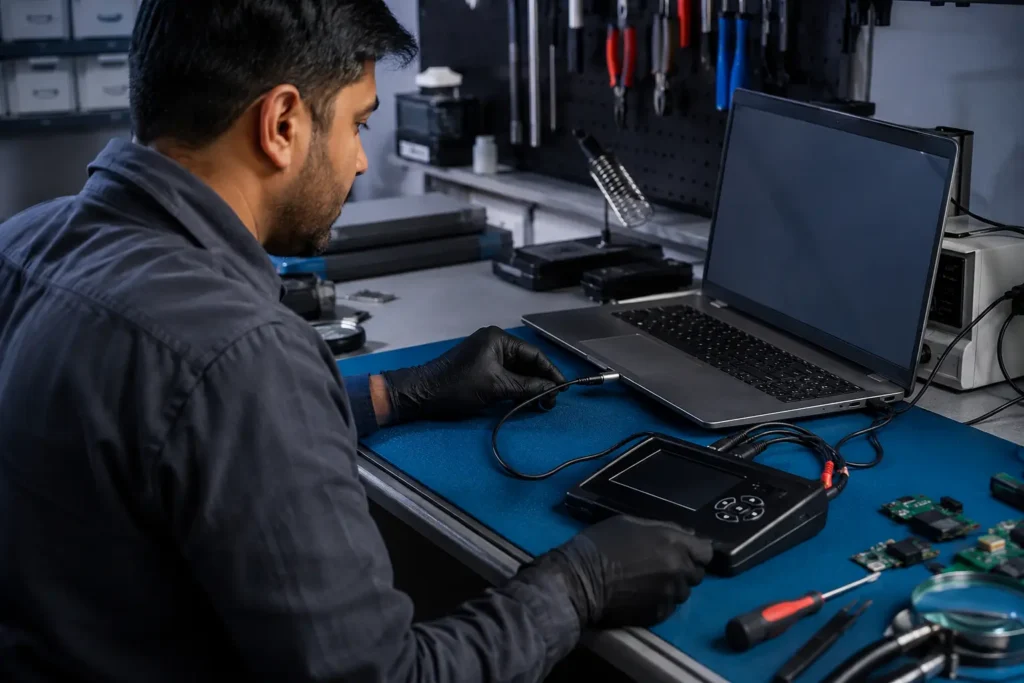
- Diagnostic check: The technician identifies whether the issue is the panel, backlight, or cable, since each requires a different part and process.
- Data backup recommendation: A precaution, even though a screen repair shouldn’t touch your stored files.
- Careful disassembly: The technician removes the bezel and display assembly, which varies significantly by brand and model, especially on ultrabooks with glued components.
- Replacement or repair: The technician installs a new panel, reseats or replaces the display cable, or swaps the backlight component, depending on the diagnosis.
- Testing: The technician checks the display for color accuracy, dead pixels, and flicker, and tests touch response if applicable, before returning the laptop.
- Reassembly: The technician reattaches the bezel and hinge components securely to restore normal opening and closing.
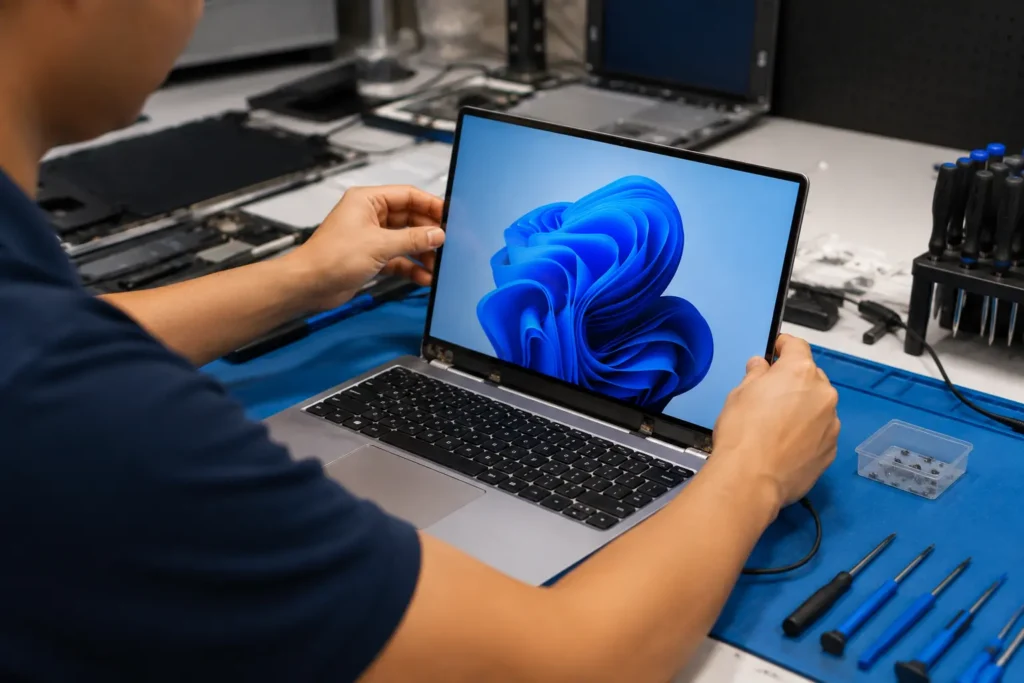
Turnaround time depends on the laptop model and part availability, but most standard panel replacements finish within a day or two.
Common Mistakes to Avoid
- Assuming every black screen needs a full panel replacement. A backlight or cable issue can look identical to panel failure at first glance, and confirming the real cause first can save you money.
- Ignoring a small crack. Cracks spread over time and can eventually damage the LCD layer underneath, turning a simple fix into a full replacement.
- Choosing a shop based on price alone. A very low quote sometimes means a lower-quality panel or a shop that skips proper testing after the repair.
- Attempting a DIY repair without matching the exact panel specs. Laptop panels vary by resolution, connector type, and touch capability installing the wrong one can cause the whole repair to fail.
- Skipping the post-repair test. Always check for flicker, dead pixels, and (if applicable) touch response before you leave the shop or accept the laptop back.
Expert Tip
Expert Tip: If your laptop screen goes black, shine a flashlight at a steep angle across the display before assuming the worst. If you can faintly make out your desktop or an open program, you’re likely looking at a backlight issue rather than a full panel failure a distinction that can significantly change your repair cost and timeline.
Frequently Asked Questions
Laptop screen repair costs vary widely based on brand, screen size, panel type, and whether touch capability is involved. Contact Phone Expert directly for an accurate quote based on your specific laptop.
Most standard panel replacements finish within one to two days, though some ultrabooks with glued bezels or integrated components can take longer.
This often points to a backlight or display cable issue rather than a failed panel. A flashlight test can help you narrow it down before you book a repair.
On nearly every modern laptop, the glass and LCD layer are built together as one assembly, so a cracked screen almost always requires a full panel replacement rather than a glass-only fix.
If the rest of the laptop still runs well and meets your needs, repairing the screen is usually far more cost-effective than buying a new laptop.
Not necessarily. If the laptop shows no signs of power at all no fan, no lights the issue is more likely the battery, charger, or motherboard than the display, and a diagnostic check can confirm the actual cause.
Yes. Cracks tend to spread with continued use and pressure, and they can eventually damage the LCD layer itself, turning a simpler repair into a full replacement.
Conclusion
A damaged laptop screen looks alarming, but it rarely means you need a new laptop. Once you understand what’s actually causing the problem, a cracked panel, a failed backlight, or a loose cable you can make a confident, cost-effective decision instead of guessing. Correct diagnosis is the real starting point for laptop screen repair, and it’s what separates a shop that gets it right the first time from one that doesn’t.
If your laptop screen is cracked, black, flickering, or acting up in any way, Phone Expert Phone Repair & Designs can diagnose the actual cause and walk you through your repair options clearly. Contact us or stop by for a diagnostic check to get a straight answer on your repair.